
Ness City Computer Service LLC

Ness City Computer Service LLC
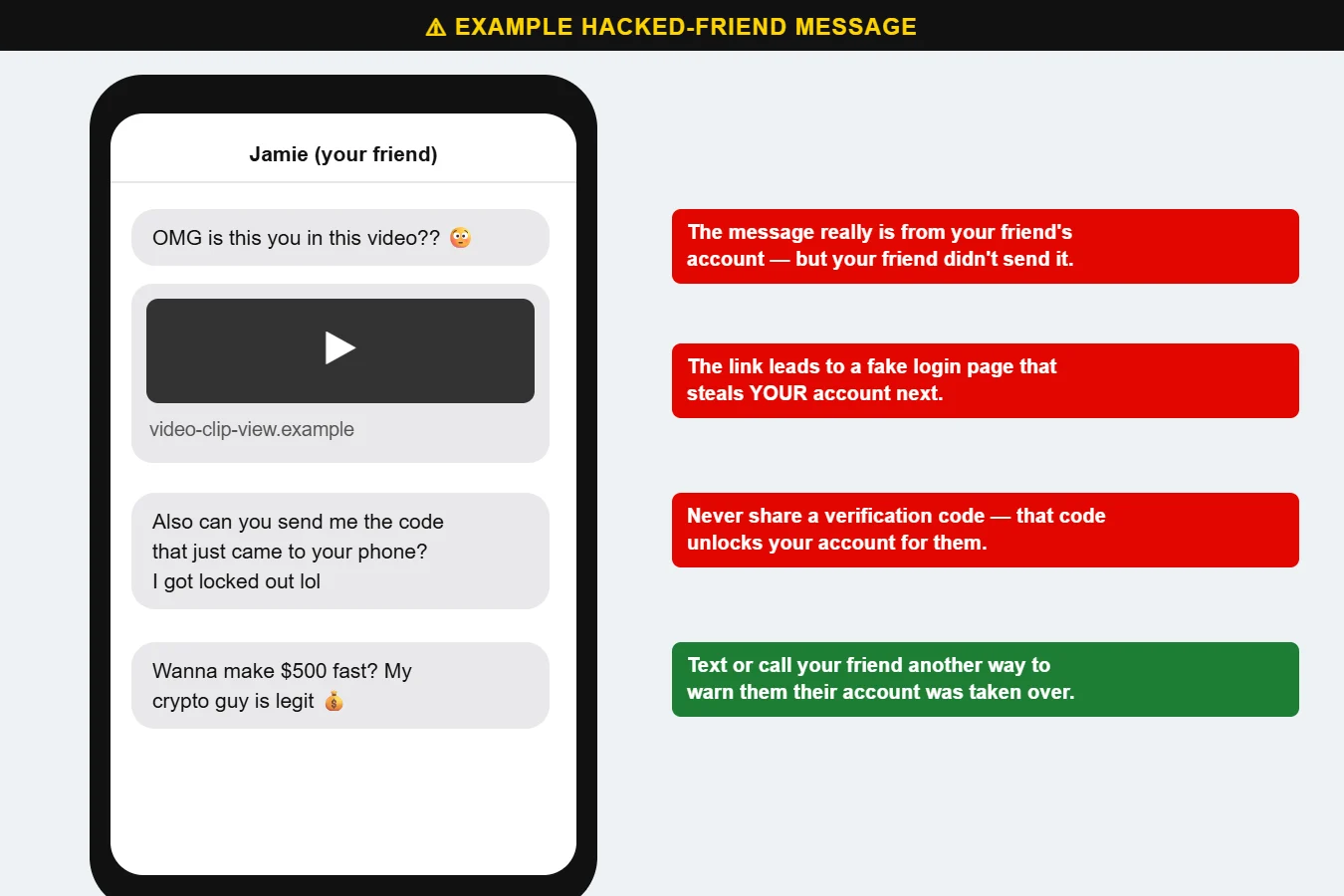
The message comes from someone you know — a cousin, a church friend, a co-worker. “OMG is this you in this video??” Or: “Can you send me the code that just came to your phone? I got locked out.”
It really did come from their account. But your friend didn’t send it. Their account was taken over, and now the scammer is using their name to get to you.
Use the platform’s official account recovery page right away, change your password, turn on two-factor authentication and remove any devices or apps you don’t recognize. Then post or message friends to warn them. If you’re locked out completely, Call us at 620-960-8711 and we’ll help you through the recovery process.
Want more free guides like this? Browse our Scam & Security Library — real examples of phishing emails, scam texts, fake pop-ups and more.